Eatec Touch
Eatec Touch is the lighter version of Eatec web application where users can modify or repost the item quantities.
Login
Launch Eatec Touch on a web browser. The Login screen appears.
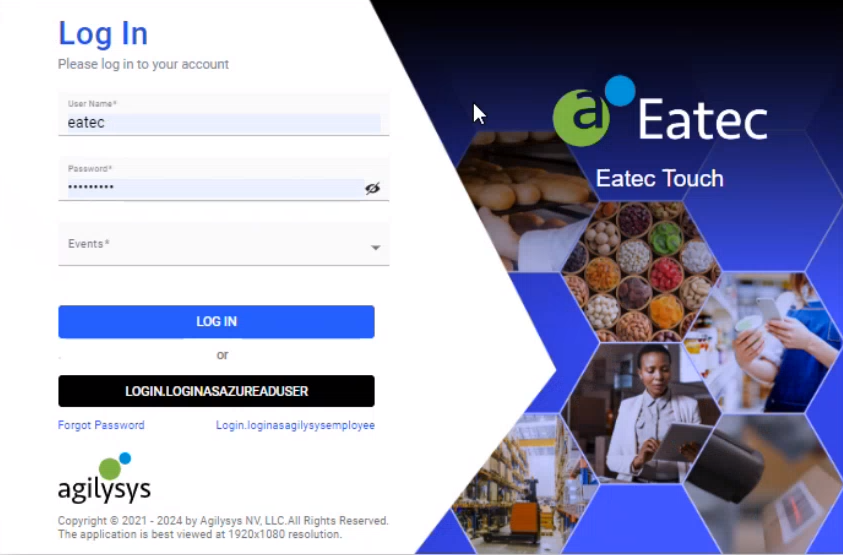
Enter the Username and Password in the Login screen.
Select the preferred event from the Events drop-down list.
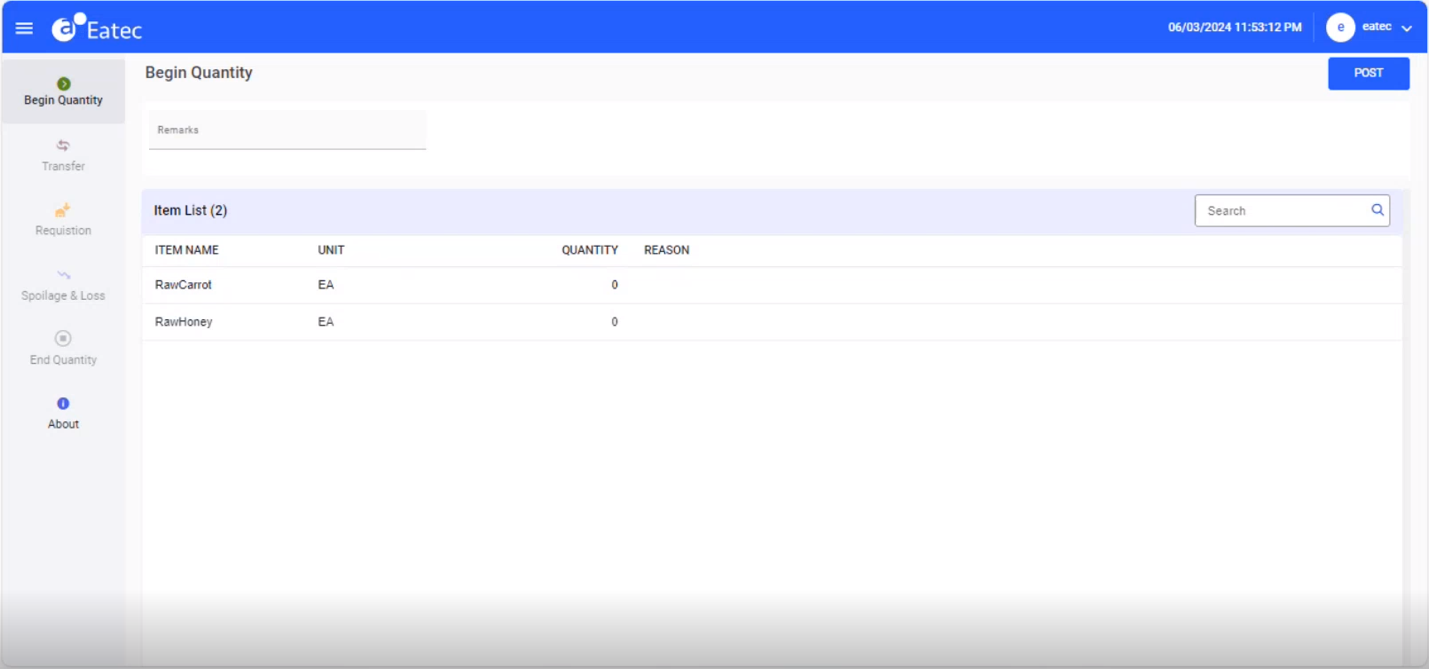
Click Login. The Begin Quantity screen appears by default.