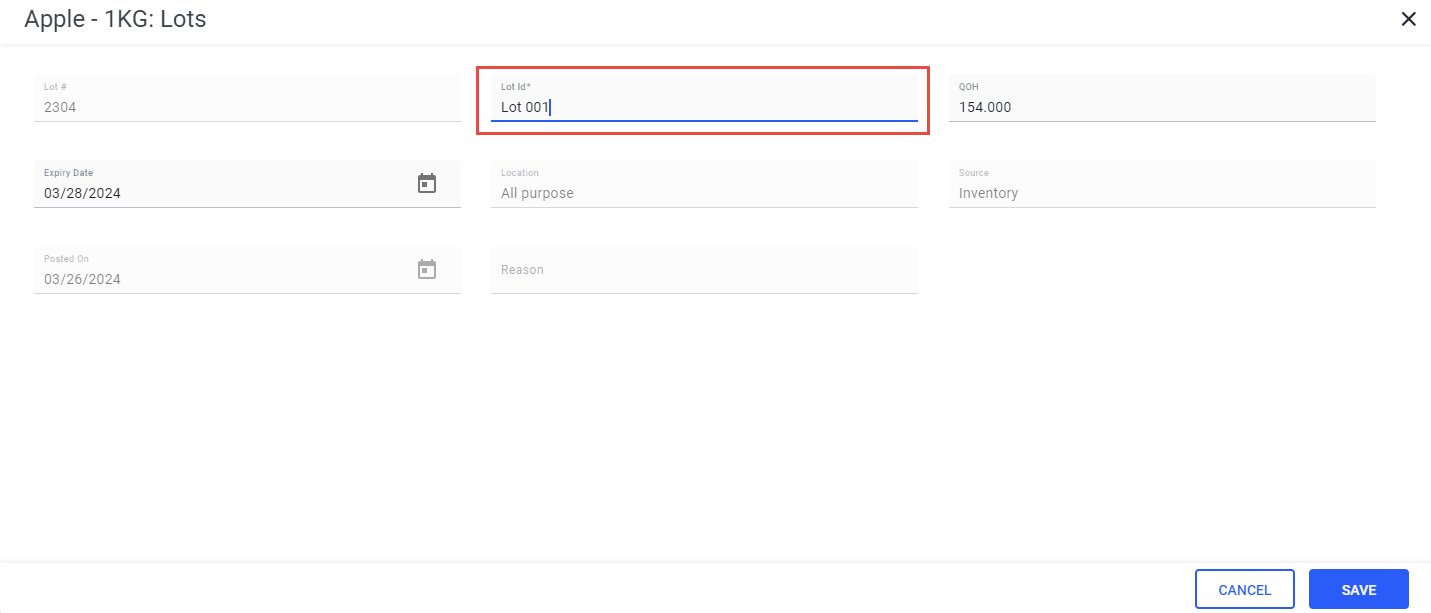
Modifying Lot ID Value under Lots in Inventory List
Users can modify the value in the Lot ID field under Masters ➜ Inventory List ➜ F&B ➜ select an item ➜ Edit ➜ Lots ➜ select a lot.
Users can update the Lot ID value of each lot available for an inventory item.
The modified Lot ID is referred in all areas like lot lookup and lot reports to identify a lot.
The changes to Lot ID is tracked under the Lot History for audit purpose.